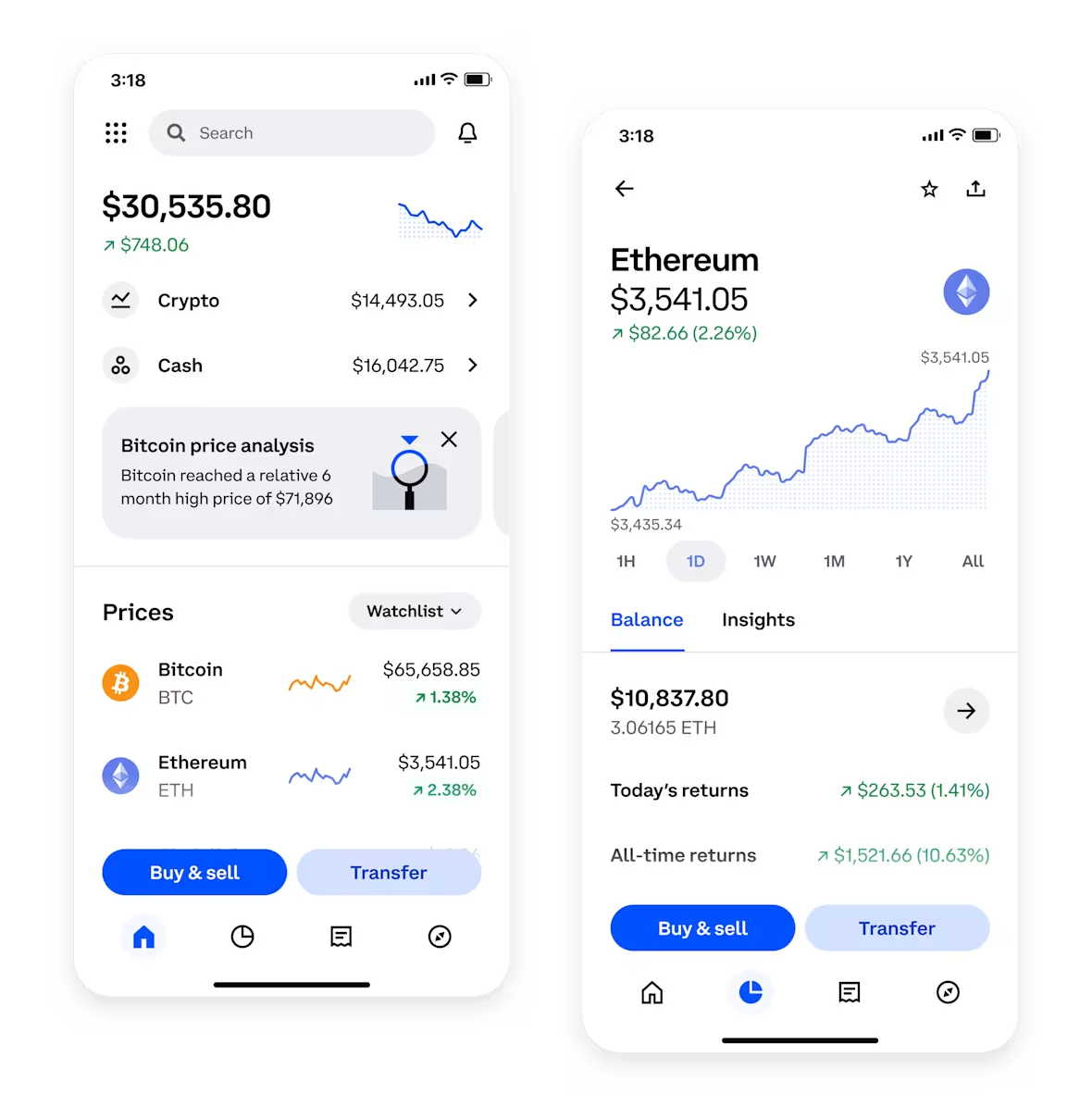

Binance is one of the largest and most popular cryptocurrency exchanges in the world, offering a wide range of digital assets for trading. For newcomers, the platform can seem overwhelming due to its many features. This guide breaks down the core steps for operating a Binance account, from registration to executing your first trade.
Step 1: Account Registration and Security Setup
To start, visit the official Binance website or download the mobile app. Click "Register" and enter your email address or phone number. Create a strong password that includes uppercase letters, numbers, and symbols. After registration, Binance will send a verification code to your email or phone. Complete the verification and then enable Two-Factor Authentication (2FA) using Google Authenticator or SMS. This is crucial to protect your account from unauthorized access.
Step 2: Completing Identity Verification (KYC)
Binance requires users to complete identity verification (Know Your Customer) before depositing or trading. Go to the "Identity Verification" section in your account settings. You will need to upload a photo of your government-issued ID (passport, driver's license, or national ID card) and a selfie. The system will process this automatically, and verification usually takes a few minutes to a few hours. Once verified, your deposit and withdrawal limits increase.
Step 3: Depositing Funds
There are two main ways to deposit funds on Binance: crypto deposit and fiat deposit. For crypto, click "Wallet" > "Fiat and Spot" > "Deposit". Select the cryptocurrency you want to deposit (e.g., USDT, BTC, or ETH). Binance will generate a deposit address and a QR code. Copy this address and paste it into the withdrawal platform of your external wallet or other exchange. For fiat currency, click "Buy Crypto" and choose your local currency (e.g., USD, EUR, or GBP). You can use a bank transfer, debit card, or credit card. Follow the on-screen instructions to complete the purchase.
Step 4: Spot Trading – How to Buy and Sell
Spot trading is the simplest form of trading on Binance. Go to the "Trade" menu and select "Spot". The interface displays price charts, order books, and trading pairs. To buy, select a trading pair such as BTC/USDT. Enter the amount of USDT you want to spend or the amount of BTC you want to buy. You can use a "Market Order" (buys instantly at the current market price) or a "Limit Order" (sets a specific price you are willing to pay). Click "Buy BTC" to execute the trade. Your purchased assets will appear in your Wallet under "Funding" or "Spot". To sell, simply reverse the process: select the pair, choose Sell, and click the order type.
Step 5: Understanding Different Order Types
Binance offers several order types to suit different strategies. A "Market Order" is best for immediate execution. A "Limit Order" allows you to specify a price. A "Stop-Limit Order" helps you limit losses by triggering a sale when the price hits a certain level. To set a stop-limit, go to the order type dropdown and select "Stop Limit". Enter the stop price and limit price. For example, if you own BTC at $50,000, you can set a stop price at $48,000 to sell if the price drops, protecting your position.
Step 6: Withdrawing Funds
To move your coins out of Binance, go to "Wallet" > "Fiat and Spot" > "Withdraw". Select the cryptocurrency and enter the withdrawal address. Double-check the address carefully; crypto transactions are irreversible. Enter the amount and confirm the withdrawal via your 2FA device. Withdrawals usually have a small network fee and may take a few minutes to confirm on the blockchain.
Additional Tips for Safe Operation
Always use the official Binance app or website. Beware of phishing links and never share your private keys or 2FA codes. For active traders, consider using the "Binance Convert" feature for simple swaps without order books. For advanced users, margin and futures trading are available, but these carry higher risk. It is recommended to start with spot trading and gradually explore other tools as you gain experience.